Most Android phones have NFC, but it is not always switched on. Here are the NFC settings for each major brand sold in Pakistan and fixes for common problems.
To turn on NFC on Android, open Settings, search for “NFC” and switch it on. On most phones that takes less than ten seconds. The exact menu name changes from brand to brand, which is why many people cannot find it, so this guide lists the NFC settings path for Samsung, Xiaomi, Redmi, Poco, Oppo, Realme, Vivo, Infinix, Tecno, Nokia and Google Pixel phones sold in Pakistan.
After the steps, we cover the quick settings shortcut, where to tap so a card reads first time, and the Android NFC problems we see most often when shops and printers test NFC cards with customers.
Turn on NFC on Android: the quick method
This method works on almost every Android phone, whatever the brand.
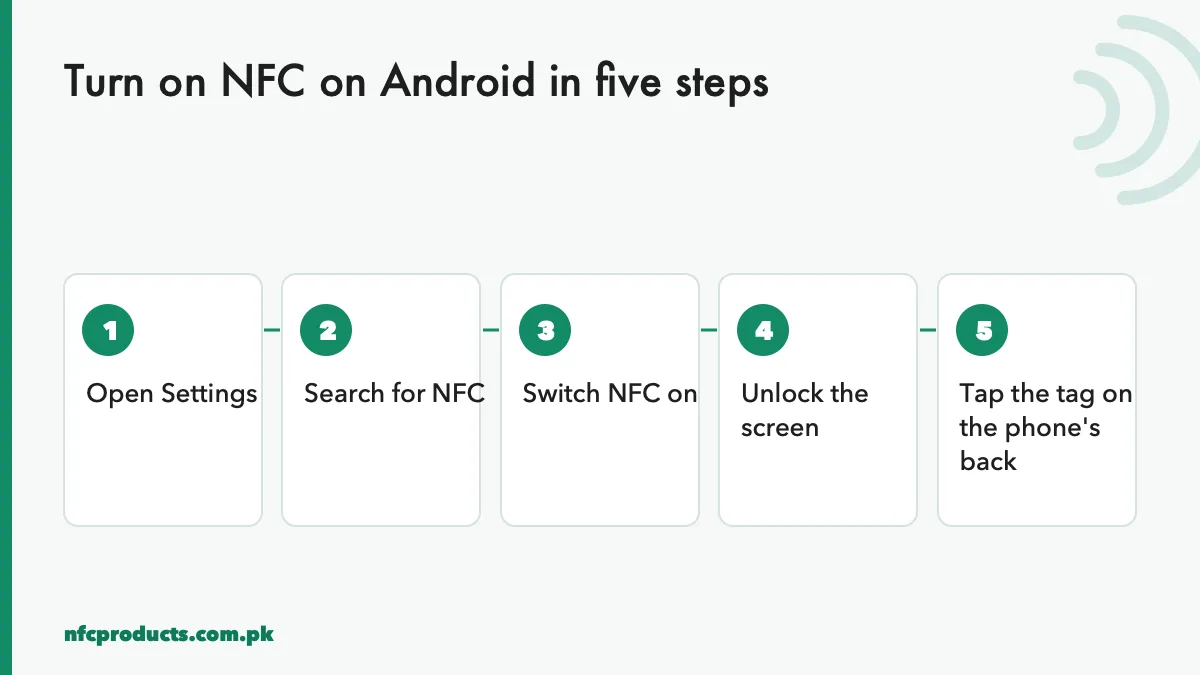
The universal way to turn on NFC on Android.
Open Settings.
Tap the search bar at the top and type NFC.
Open the NFC result and switch NFC on.
Unlock the screen. Android reads NFC tags only when the screen is on and unlocked.
Hold the tag to the centre of the phone’s back for one or two seconds.
If the search finds nothing, your phone may not have NFC. Our guide to NFC enabled phones in Pakistan explains how to confirm this.
NFC settings by brand
Brands move the NFC settings into different menus. These are the usual paths; names can change slightly with software updates.
Brand
NFC settings path
Samsung Galaxy
Settings → Connections → NFC and contactless payments
On Samsung phones, open Settings, tap Connections, then tap the words “NFC and contactless payments” (not only the switch) to see the options. Switch NFC on. The “Contactless payments” page inside only sets your default payment app; it does not affect reading NFC cards or review stands.
Xiaomi, Redmi and Poco
Open Settings, tap Connection & sharing, and switch on NFC. Some models also show a “Secure element position” option. Leave it on the default setting; it only matters for payments.
Vivo
Vivo often places NFC under Other network & connections. If you cannot find it, use the search bar in Settings.
The quick settings shortcut
Once you know NFC exists on your phone, the fastest way to turn it on or off is the quick settings panel.
Swipe down twice from the top of the screen.
Look for an NFC tile. If it is not there, tap the pencil or edit icon.
Drag the NFC tile into the active area.
Now you can switch Android NFC on with one swipe, which is handy when demonstrating NFC business cards to clients.
Where to tap on an Android phone
With NFC on, the next question is where to hold the card. Android phones have the NFC antenna on the back.
Most phones: the centre of the back, roughly behind the middle of the screen.
Some phones: a little higher, near the camera module.
Phones with large camera bumps: hold the card flat just below the bump.
Hold the card flat against the back and keep it still for a moment. Sliding it slowly around the upper half of the back finds the sweet spot on unfamiliar phones. For a comparison with iPhones, where the antenna is at the top edge, read how to use NFC on iPhone.
Small tags like keychains need the exact spot on the back of the phone.
Why Android NFC is not working
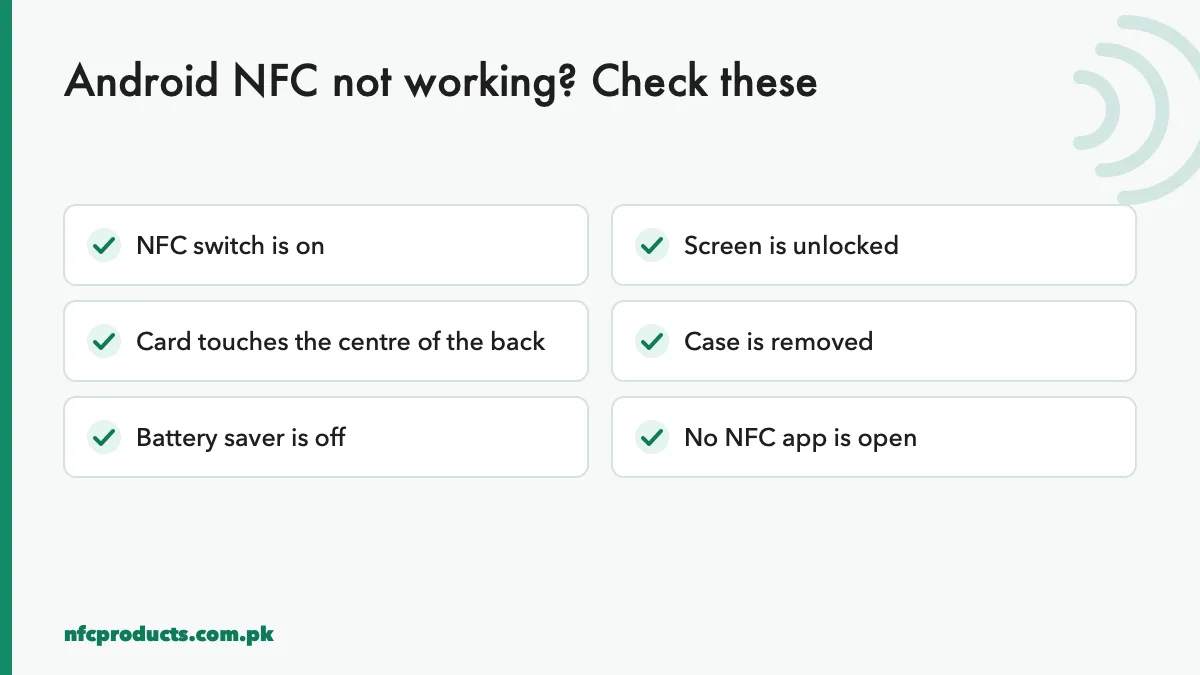
If NFC is on but a tag does not read, go through this checklist.
Most Android NFC problems are one of these six.
The screen is locked
Android reads NFC tags only when the screen is on, and most phones only when unlocked. Unlock the phone, then tap.
The case is blocking NFC
Cases with metal plates, magnetic rings for car mounts, or card wallets with bank cards inside can block or confuse NFC. Remove the case and try again.
Wrong spot on the phone
Small tags such as 25 mm stickers and keychains have small antennas. They need to touch the exact NFC area. Move the tag slowly across the back.
Battery saver has switched NFC off
Some brands turn off NFC in ultra power-saving modes. Switch battery saver off and check the NFC switch again.
An NFC app is capturing the tag
If an NFC app such as NFC Tools is open, it may read the tag itself instead of letting Android open the link. Close the app.
The tag is blank or damaged
If other phones cannot read the tag either, the problem is the tag. Check it with an NFC reading app. Our guide NFC card not working covers tag-side problems.
What Android does when it reads a tag
When Android reads an NFC tag, it looks at the data type and chooses what to do:
Web link: opens the browser, or the matching app if the link belongs to one.
App record: opens a specific app or its Play Store page.
Android is more flexible than iPhone here, especially for contacts and Wi-Fi. That is why products for mixed audiences use a simple web link that behaves the same on both.
Is it safe to leave NFC on
Yes. NFC uses very little battery because the phone only checks for tags in short bursts, and only when the screen is on. The range is a few centimetres, so a tag cannot be read from across a room. Android also asks before doing anything significant, such as saving a contact or joining Wi-Fi.
A sensible habit is to be careful with unknown tags in public places. If a tag opens a page asking for passwords or payments, close it. For your own business tags, lock them after writing so nobody can change the link. See how to program and lock NFC tags.
Writing NFC tags on Android
Turning NFC on also lets you write tags, not just read them. With a free app such as NFC Tools:
Open the app and choose Write.
Add a record, for example URL, and type the link.
Tap Write and hold a blank tag to the back of the phone.
Test the tag with the app closed.
Lock the tag once you are sure.
Android phones make good encoding devices for small batches. For hundreds of cards, printers use a USB writer. Our bulk programming guide covers both.
Android NFC for businesses and sales teams
If your staff demonstrate NFC products to customers, teach them to handle Android phones in this order:
Ask the customer to unlock the phone.
Swipe down and check the NFC tile is on.
Place the card flat on the centre of the back.
If nothing happens, remove the case and try again.
If the phone has no NFC, show the printed QR code.
Many Android phones can also make contactless payments using NFC, through a wallet app from the phone maker or a bank. Availability depends on your bank and the services offered in Pakistan at the time. Payment settings do not affect reading NFC tags; a phone can read NFC business cards even if you never set up payments.
Technical reference
For developers building Android apps that read or write tags, Google’s official Android NFC documentation explains the reader APIs and tag dispatch system. The NFC Forum publishes the NDEF standard that Android uses to understand what a tag contains.
Android NFC features you may not know
Once NFC is on, Android offers more than reading links. A few features are useful for businesses and power users.
Tap to pair accessories
Many Bluetooth speakers, earbuds and printers have an NFC spot. Tapping the phone on it starts Bluetooth pairing automatically, which saves searching through menus.
Tag automation apps
Apps such as NFC Tools Pro and Tasker can run actions when a specific tag is tapped: switch on Wi-Fi, set the phone to silent at the office door, or open navigation in the car. These are personal automations and are set up on each phone.
Reading tag details
Apps such as NXP TagInfo show a tag’s chip type, memory, lock status and originality signature. This is how printers check whether a batch of cards uses genuine NXP chips. See genuine NXP NTAG chip.
Default app for links
If a tag holds a link, Android opens the default browser or the app that owns the link. You can change which app opens links in Settings → Apps → Default apps.
Android NFC settings for shops and restaurants
If your staff use Android phones to set up NFC products for customers, prepare those phones once:
Add the NFC tile to quick settings for fast switching.
Install NFC Tools and NXP TagInfo for writing and checking tags.
Keep one phone without a case for encoding, so writes are reliable.
Turn off battery saver on the encoding phone.
Keep a test tag with a known link to check that the phone’s NFC is working before a job.
With a prepared phone, writing and testing a batch of review stickers or table tags becomes a quick routine rather than a guessing game.
Android versions and NFC
NFC reading has been part of Android since 2010, and every modern version supports tags in the background. Newer versions have improved how the phone shows tag contents and how apps request NFC, but the basic process of switching NFC on and tapping has stayed the same. If your phone runs any recent Android version and has NFC hardware, the steps in this guide apply.
Frequently asked questions
How do I turn on NFC on Android?
Open Settings, search for NFC and switch it on. On Samsung, go to Settings → Connections → NFC and contactless payments.
Why can't I find NFC settings on my phone?
Use the search bar in Settings. If NFC does not appear, the phone probably has no NFC hardware.
Where is the NFC sensor on Android phones?
On the back, usually in the centre or near the camera. Hold the tag flat against it.
Does Android NFC work when the phone is locked?
Usually not. Most Android phones read NFC tags only when the screen is on and unlocked.
Should I keep NFC on all the time?
You can. It uses very little battery and only works at a few centimetres.
Why does NFC turn off by itself?
Some battery saver modes switch it off. Turn off the saver or add NFC to the quick settings panel so you can switch it back on quickly.
Can I write NFC tags with my Android phone?
Yes. Install a free app such as NFC Tools, choose Write, add a URL record and hold a blank tag to the back of the phone.
Does turning on NFC affect Bluetooth or Wi-Fi?
No. NFC settings are separate from Bluetooth and Wi-Fi. Turning NFC on or off does not change your other connections, and Android NFC only uses power in short bursts while the screen is on.
Send the product, grade and quantity on WhatsApp or the quote form. We reply within business hours (10am to 7pm) with a confirmed price and delivery date.