NFC Enabled Phones in Pakistan: How to Check Your Mobile
Does your phone have NFC? Five quick ways to check any Android or iPhone, where the NFC antenna sits, and what to do when a phone has no NFC at all.
NFC enabled phones in Pakistan are now common, but not universal. Many mid-range and premium Android phones and every iPhone from the iPhone 7 onwards have NFC, while some budget models and some regional variants do not. If you sell NFC business cards, run a restaurant with NFC menus, or just want to use a tap card, the first question is always the same: does this phone have NFC?
This guide shows five easy ways to check any NFC mobile in under a minute, where to find the setting on popular brands, where the antenna sits so the tap works first time, and what to do for customers whose phones have no NFC.
Why NFC support matters for businesses in Pakistan
When a customer taps your NFC review stand or business card, their phone does the reading. If the phone has no NFC, or NFC is switched off, nothing happens and the customer assumes the product is broken.
In our experience supplying printers and businesses across Pakistan, most “not working” complaints about NFC cards come from three phone-side causes:
NFC is switched off in the phone’s settings.
The customer taps the wrong part of the phone.
The phone genuinely has no NFC chip.
A card with a small printed QR code on the back solves the third case, and a short “hold the top or back of your phone here” line solves the second. We cover the first case below.
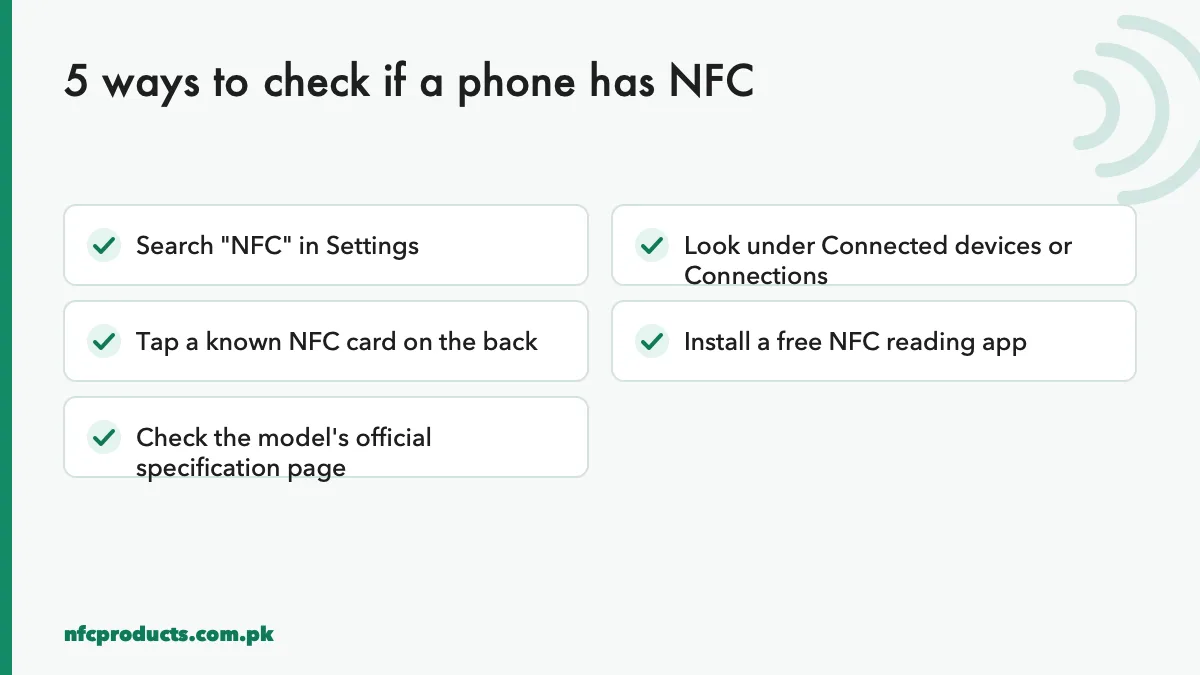
5 ways to check NFC enabled phones in Pakistan
Five quick checks for any NFC mobile.
1. Search “NFC” in Settings
Open Settings and type NFC in the search bar at the top. If a switch called NFC, “NFC and contactless payments” or “Contactless payments” appears, the phone has NFC. This is the fastest check on any Android phone.
2. Look under Connected devices or Connections
If search does not help, look manually. The menu names differ by brand:
Brand
Where NFC usually is
Samsung
Settings → Connections → NFC and contactless payments
No switch: NFC is always on (iPhone XS and newer read tags automatically)
Menu names change with software updates, so treat these as a starting point. If there is no NFC entry anywhere, the phone most likely has no NFC hardware.
3. Tap a known NFC card
The most practical test is to tap a card you know works. Turn NFC on, unlock the phone and hold the centre of the back (Android) or the top edge (iPhone) against the card for two seconds. A notification or opened link means the phone has working NFC.
4. Install a free NFC reading app
Apps such as NFC Tools or NXP TagInfo check for NFC when they open. If the phone has no NFC, the app tells you straight away. If it has NFC, the app can also show what is stored on a card, which helps when you are testing your own products.
5. Check the official specification page
Search the exact model name and variant on the manufacturer’s official website and look under connectivity. Be careful with model names: the same phone name can be sold with NFC in one country and without it in another, and different storage or network variants can differ too. The box and the phone’s settings are more reliable than a shop’s description.
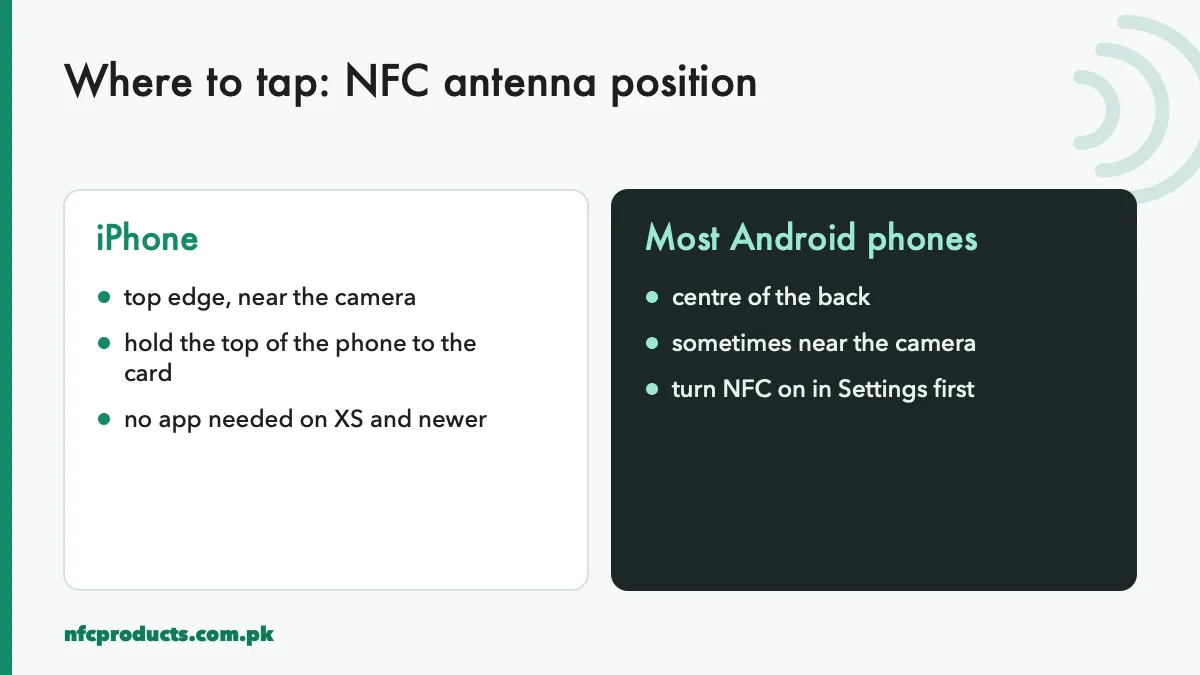
Where to tap: the NFC antenna position
Knowing where the NFC antenna is saves most failed taps. The NFC mobile antenna is a flat coil, and it only reads a card that sits close to it.
Tap the right part of the phone.
iPhone: the antenna is at the top edge, around the camera. Hold the top of the phone to the card, not the middle.
Most Android phones: the antenna is in the centre of the back, sometimes a little higher near the camera module. Place the card flat against the back.
Large phones and phones with big camera bumps: move the card slowly around the upper half of the back until it reads.
Thick cases, cases with metal plates, magnetic rings for car mounts, and wallet cases with other cards inside can all block NFC. If a known-good card does not read, remove the case and try again.
Which NFC phones read NFC tags in the background
“Background reading” means the phone reads a tag without opening an app. This is what makes NFC business cards and review stands feel effortless.
Android phones with NFC read tags in the background whenever NFC is on and the screen is unlocked.
iPhone XS, XS Max, XR and all later iPhones read tags in the background when the screen is on. No setting is needed.
iPhone 7, 8 and X have NFC but need the NFC Tag Reader button in Control Centre (iOS 14 and later) or an app to read tags.
So for almost all NFC phones in use today, a customer simply taps and the link opens. For step-by-step instructions on Apple devices, read how to use NFC on iPhone. For Android, read how to turn on NFC on Android.
If you run a shop or restaurant, put a small “Tap the top of your phone here” note on your NFC stand. It removes most first-time confusion.
What if a phone has no NFC
Some customers will always have phones without NFC. Plan for them instead of losing them.
Add a QR code. Print a small QR code with the same link on the back of the card or the side of the standee. Every phone camera can scan it. Our guide NFC vs QR code explains when to use each.
Show a short link. Print a short, readable web address under the NFC area.
Offer WhatsApp. For business cards, a printed WhatsApp number still works for everyone.
This is why many of our clients order NFC standees and cards with a printed QR code as a backup. It costs nothing extra to print and it covers every customer.
NFC phones and payments in Pakistan
Contactless payments are one of the best-known uses of NFC in mobile phones. Whether your phone can pay by tap depends on your bank, the card network and the wallet apps available in Pakistan, and this changes as banks add services. Check with your bank for the current options.
For NFC tags and business cards, none of this matters. Reading a tag does not involve payments or banks, and it works on any NFC enabled phone.
Buying NFC cards and tags for customers' phones
If you are choosing NFC products for customers in Pakistan, pick chips that every NFC phone supports. NTAG213 and NTAG215 are NFC Forum Type 2 chips, readable by all NFC phones, iPhone and Android alike. Avoid exotic chips unless your system needs them.
For review stands and menus, NTAG213 is enough, because one link fits easily. See NFC standees.
For NFC business cards, NTAG215 gives room for a long link or a full vCard. See blank NFC cards.
For metal surfaces, use anti-metal NFC tags, because normal tags stop working on metal.
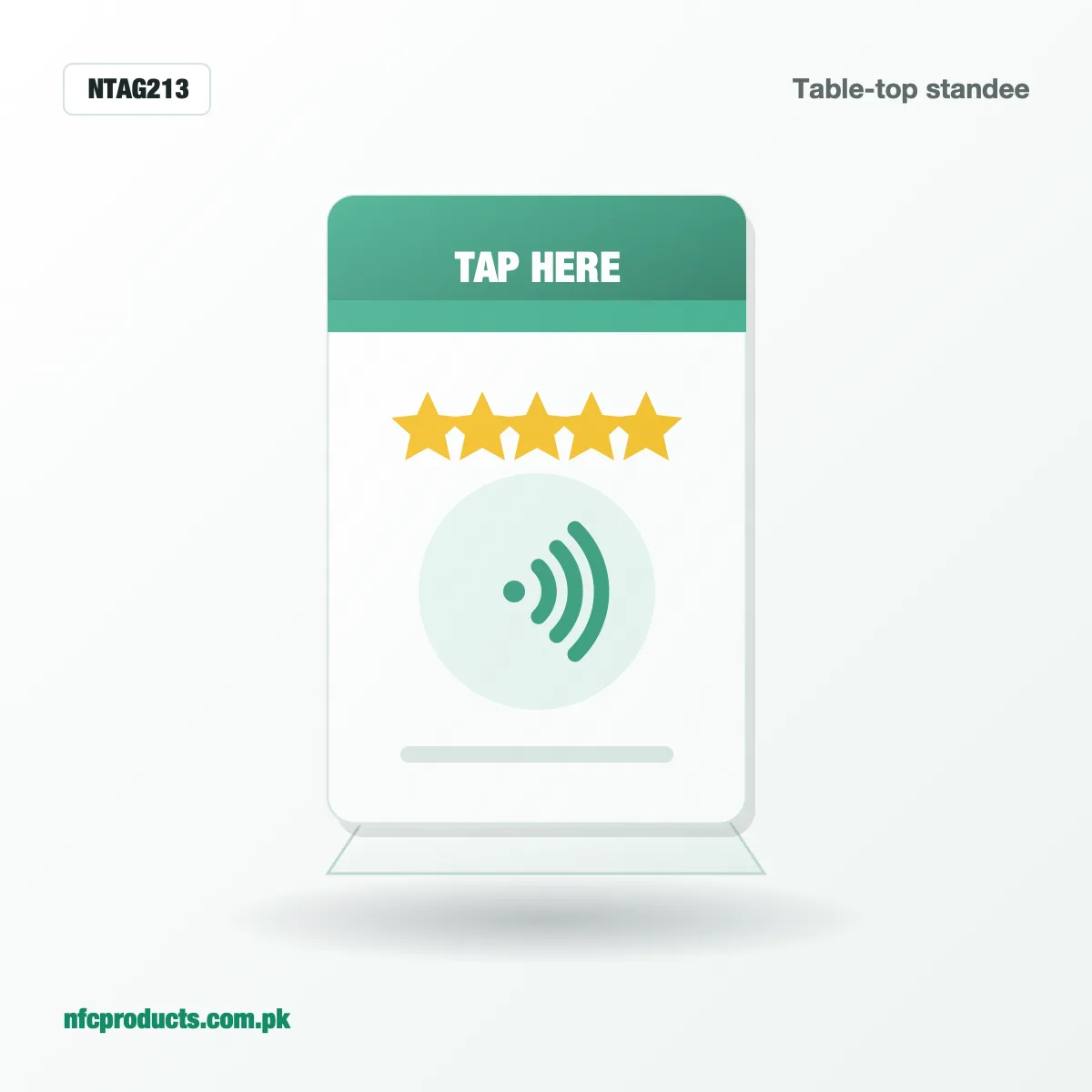
A review standee: customers tap with any NFC phone.
A quick guide for sales teams
If your team sells or demonstrates NFC products, teach them this 20-second routine for every customer:
Ask the customer to unlock their phone.
On Android, ask them to check that NFC is on (swipe down the quick settings panel; many phones show an NFC tile).
Hold the card to the top of an iPhone or the centre of an Android phone’s back.
Keep it still for two seconds.
If nothing happens, remove the phone case and try once more, then offer the QR code.
This routine turns almost every failed first tap into a working demonstration.
Why NFC keeps spreading in Pakistan
Phone makers include NFC in more models every year because it powers wallets, transit cards, device pairing and accessories. As more NFC phones reach customers, tap-based products become easier to sell. For businesses, that means NFC review stands, menus and cards reach a larger share of customers each year, while QR codes remain a useful backup.
Even on NFC phones, a few settings stop tags from working or cause odd behaviour.
“NFC and contactless payments” on Samsung
Samsung combines NFC and payments in one menu. The NFC switch must be on for tags to read. Inside the menu, the “Contactless payments” default app only affects payments, not reading business cards or review stands.
NFC only works when the screen is unlocked
Most Android phones read NFC tags only when the screen is on and unlocked. This is a security feature. If a customer taps with a locked phone, ask them to unlock it first.
Battery saver modes
Some brands switch off NFC in strong battery-saving modes. If a phone reads tags normally but not when the battery is low, this is usually why.
Reader mode apps
If an NFC app is open in the foreground, it can capture the tag before the phone’s normal handling. Close NFC apps when you want the link to open in the browser.
NFC on tablets, smartwatches and old phones
NFC support varies more outside smartphones, so check before you plan a customer experience around them.
Tablets: many Android tablets have no NFC, and iPads do not read NFC tags. Do not rely on tablets for tap-based products.
Smartwatches: some watches use NFC for payments, but most do not read NFC tags for links. Treat them as unsupported.
Older phones: phones from before the mid-2010s, and some budget models since, may lack NFC phones hardware entirely.
For these devices, a QR code or short link printed next to the NFC area keeps every customer covered.
How to test NFC phones at a shop or event
If you demonstrate NFC products at an exhibition, a retail counter or a client’s office, keep a small test kit ready:
Two known-good tags: one with a simple website link and one with your product’s actual link.
A phone of each type: at least one iPhone XS or newer and one Android NFC mobile, so you can show both.
A printed card that says where to tap on each type of phone.
A QR code for visitors whose NFC phones do not respond.
With this kit, you can check any visitor’s phone in seconds, show that the product works, and avoid blaming a good card for a phone setting.
What NFC phones mean for your product choice
Because nearly every modern NFC mobile reads standard NTAG chips, you do not need different products for different brands. What matters more is the physical design:
Big antennas read more easily. Card-size tags and standees are more forgiving than small 25 mm stickers.
Placement matters. Put the NFC area where a phone naturally rests, and mark it with a tap icon.
Metal needs anti-metal tags. A normal sticker on a metal counter or fridge will not read on any phone.
These choices affect every customer, whatever NFC phones they carry. Our range of wholesale NFC products covers each of these designs.
Frequently asked questions
How do I know if my phone has NFC?
Search "NFC" in Settings. If you see an NFC switch, your phone has it. On iPhone XS and newer, NFC is built in and always on.
Do all iPhones have NFC?
Every iPhone from the iPhone 7 onwards has NFC. iPhone XS and newer read tags automatically; iPhone 7, 8 and X use the NFC Tag Reader in Control Centre.
Why does my NFC phone not read a card?
NFC may be off, you may be tapping the wrong spot, or the case may be blocking it. Turn NFC on, remove the case and hold the card to the centre of the back or the top of an iPhone.
Can I add NFC to a phone without NFC?
Not in any practical way. Use a QR code as a backup for phones without NFC.
Does NFC use a lot of battery?
No. NFC uses very little power, so it is fine to leave it switched on.
Which NFC chip works on all NFC phones?
NTAG213 and NTAG215, both NFC Forum Type 2 chips, work on every NFC enabled phone, including iPhones and all Android brands.
Send the product, grade and quantity on WhatsApp or the quote form. We reply within business hours (10am to 7pm) with a confirmed price and delivery date.